How to Respond to a Job Advertisement
You have found an advertisement for the job of your dreams. You know your qualifications match the job perfectly, but how do you make sure that you get the interview?
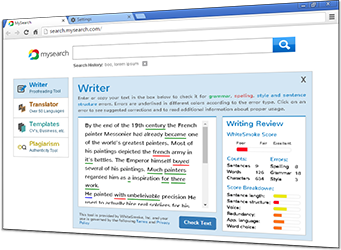
In these days of online communication, your resume (CV or curriculum vitae) will arrive to your potential employer as an email attachment. This gives you the opportunity to make a good opening impression in your email response; one that will separate you from the many other candidates for the job, and encourage the employer to read your resume. Below we will discuss a few key tips for your email response, but you need to consider more than just the content of the message. To make a really great impression, your English writing must be comprehensively checked for grammar, spelling, and punctuation. It is also a good idea to consider your use of vocabulary; does it show a good command of the language? WhiteSmoke Writing Software can take care of your English grammar and a whole lot more, leaving you to focus on the content.
Tips for the email response
- Introduce yourself, and state your interest in the position
- In no more than three sentences, outline your skills that make you ideal for the position, and refer the reader to your CV for further information.
- Close with positive language, such as "I look forward to hearing from you", before signing off
- Do not ask about job conditions at this stage; save it for the interview
- Do not add any unnecessary details that could bore or distract your reader
While WhiteSmoke Writing Software can't write a text for you, it can make sure that the effort you put into your job application is not in vain due to grammar, spelling or punctuation errors; mistakes that WhiteSmoke can fix almost instantly. WhiteSmoke will also scan your texts with its unique enrichment feature and suggest powerful synonyms and additional words to make your writing even more persuasive. There is even a range of professional resume templates so your job application will truly stand out from the crowd.